Remove Image Background Online
Cut out an object from a photo and download it as a transparent PNG, free, right in your browser, no uploads.
How it works
- Upload an image: JPG, PNG or WebP.
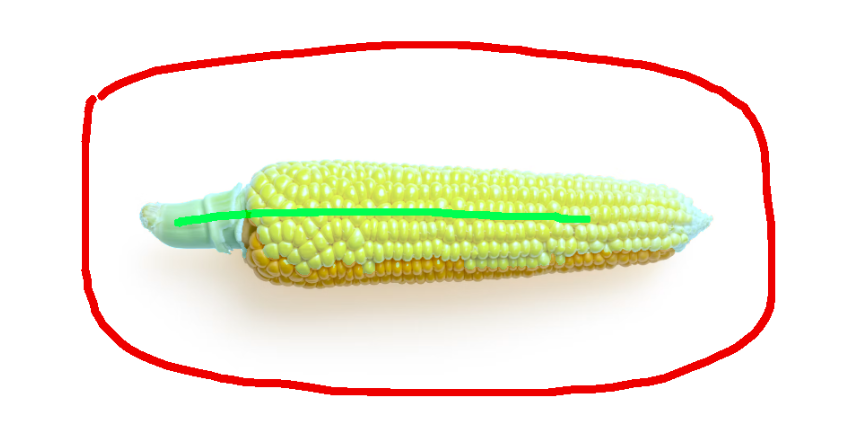
- Mark the object and background: paint green strokes on what to keep, red strokes on what to remove.
- Generate the selection: GrabCut grows a precise mask around the object.
- Draw a crop box: set the exact size of the saved image, or use “Fit to mask”.
- Download: save the cutout as a transparent PNG.
Example: cut out a product photo
Here is a full walkthrough using a photo with a white background.
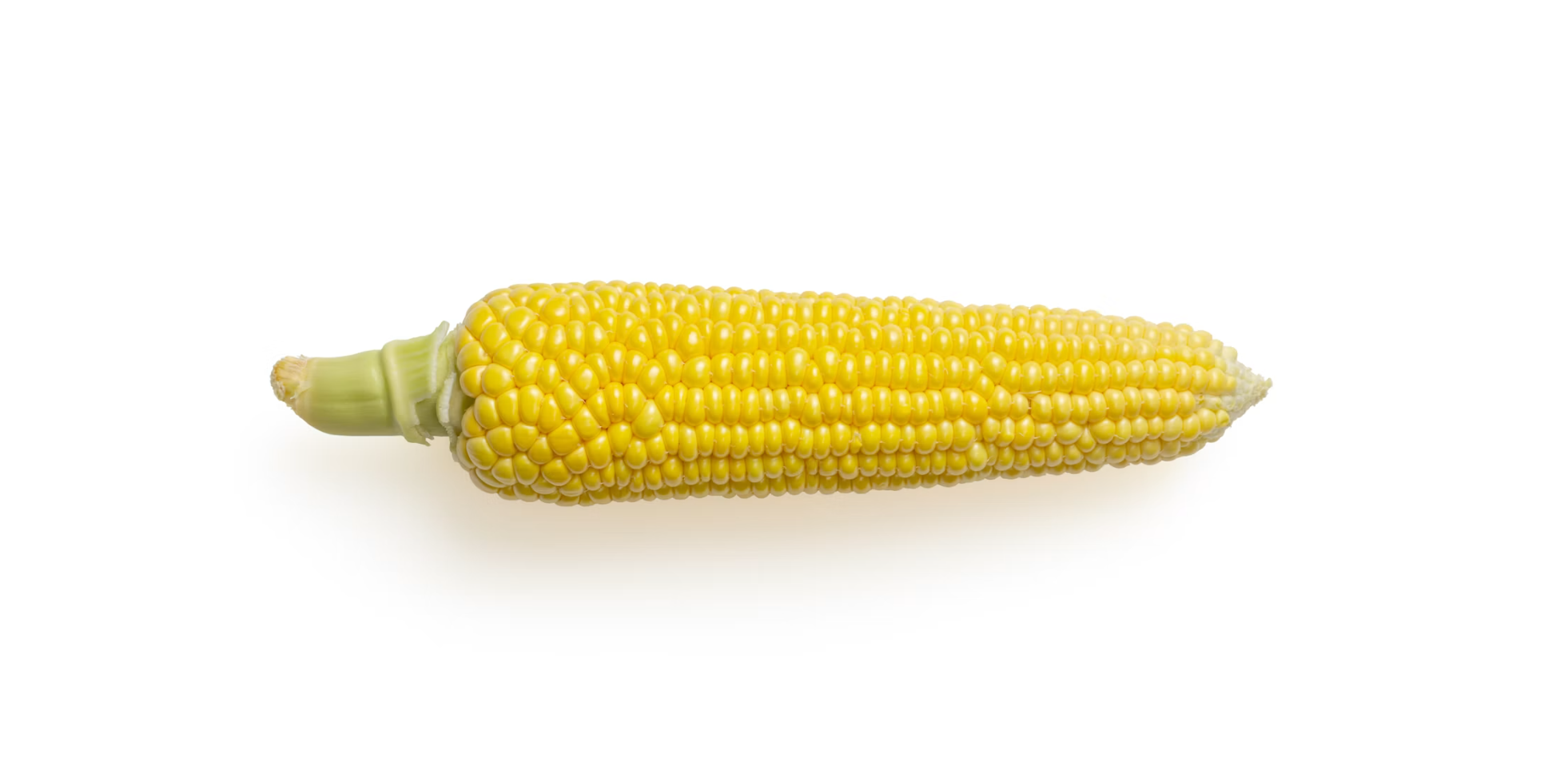
1. Prepare an image
Start with a photo whose background you want to remove.
2. Mark the foreground and background
Paint the object to keep and the background to remove, then check that the selection looks right.
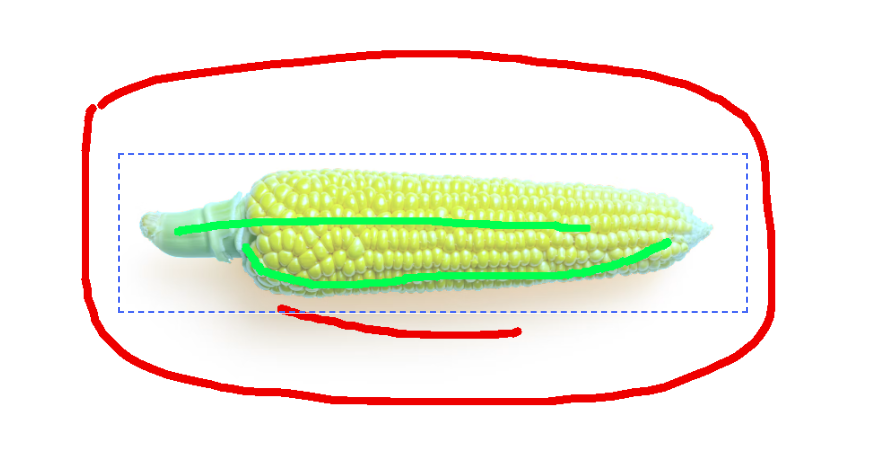
3. Refine the selection, and set a crop box
Adjust until the selection is clean. You can also drag a rectangle. The exported image will be cropped to exactly that rectangle.
4. Download the transparent PNG
Save the cutout. If the background edges still have blemishes, the simplest fix is to open the file in Windows Paint and clean them up.
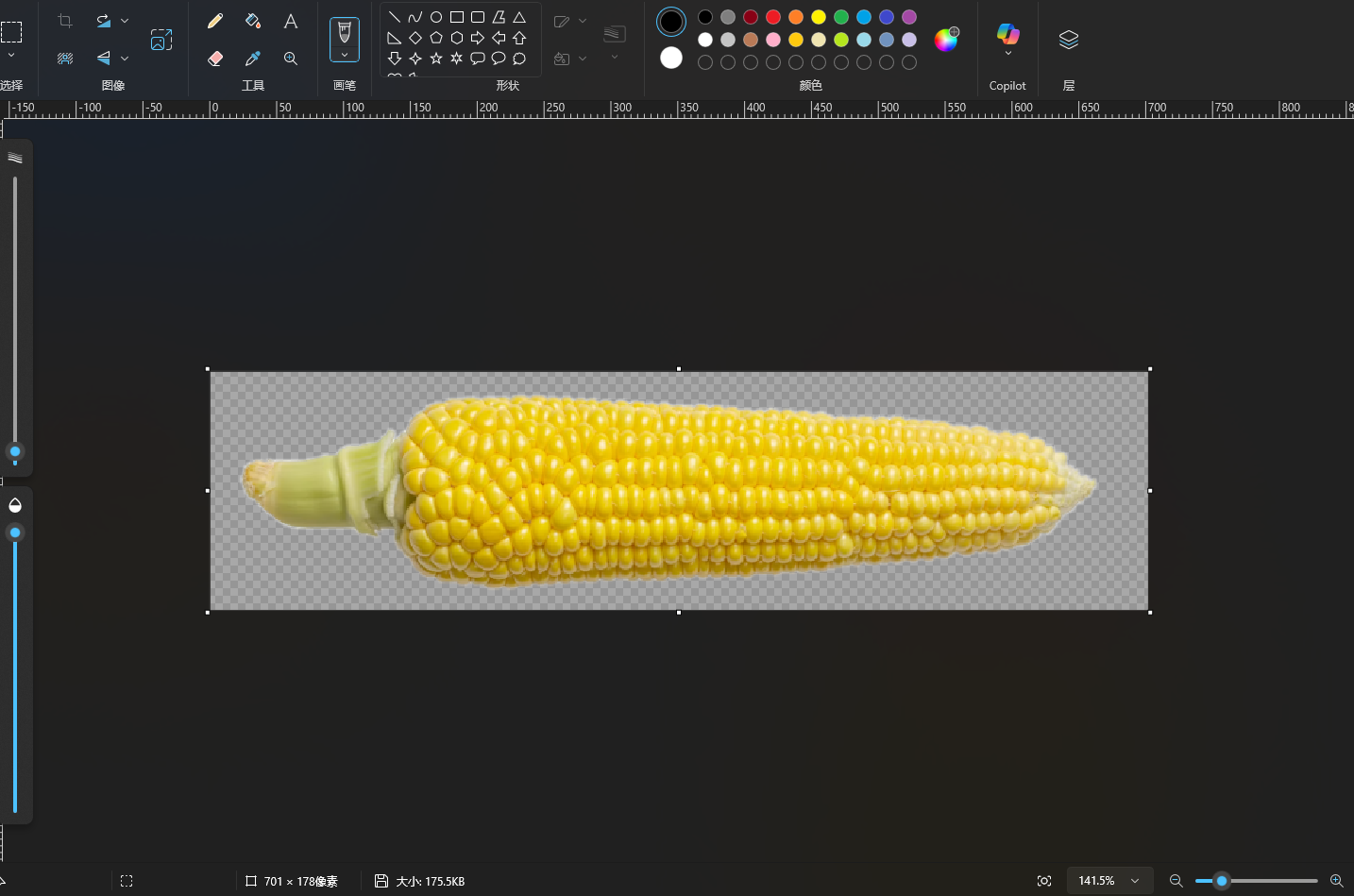
This example uses a white-background image, but even with a complex image, a few rounds of adjusting the selection will give you a clean cutout.
What is GrabCut?
GrabCut is an iterative image-segmentation algorithm that separates a foreground object from its background based on the color model of the regions you mark. It works well for objects with clear boundaries, such as products, people and clothing.
Everything runs locally in your browser using OpenCV.js, so your photos are never uploaded to a server.
What can I use this for?
- Remove a white background from product photos so they drop cleanly onto any catalog or listing page.
- Remove a black background from logos, renders and screenshots.
- Extract assets as transparent PNGs for design work, stickers, thumbnails and mockups.
- Keep only the background: select the background instead of the subject to invert the cutout.
Frequently asked questions
Is this cutout tool really free?
Yes, completely free, with no signup, no watermark and no image limit.
Do my images get uploaded?
No. All processing happens locally on your device in the browser.
Why is there a crop box?
The crop box lets you control the dimensions of the downloaded PNG, so you can save just the part of the image you need.